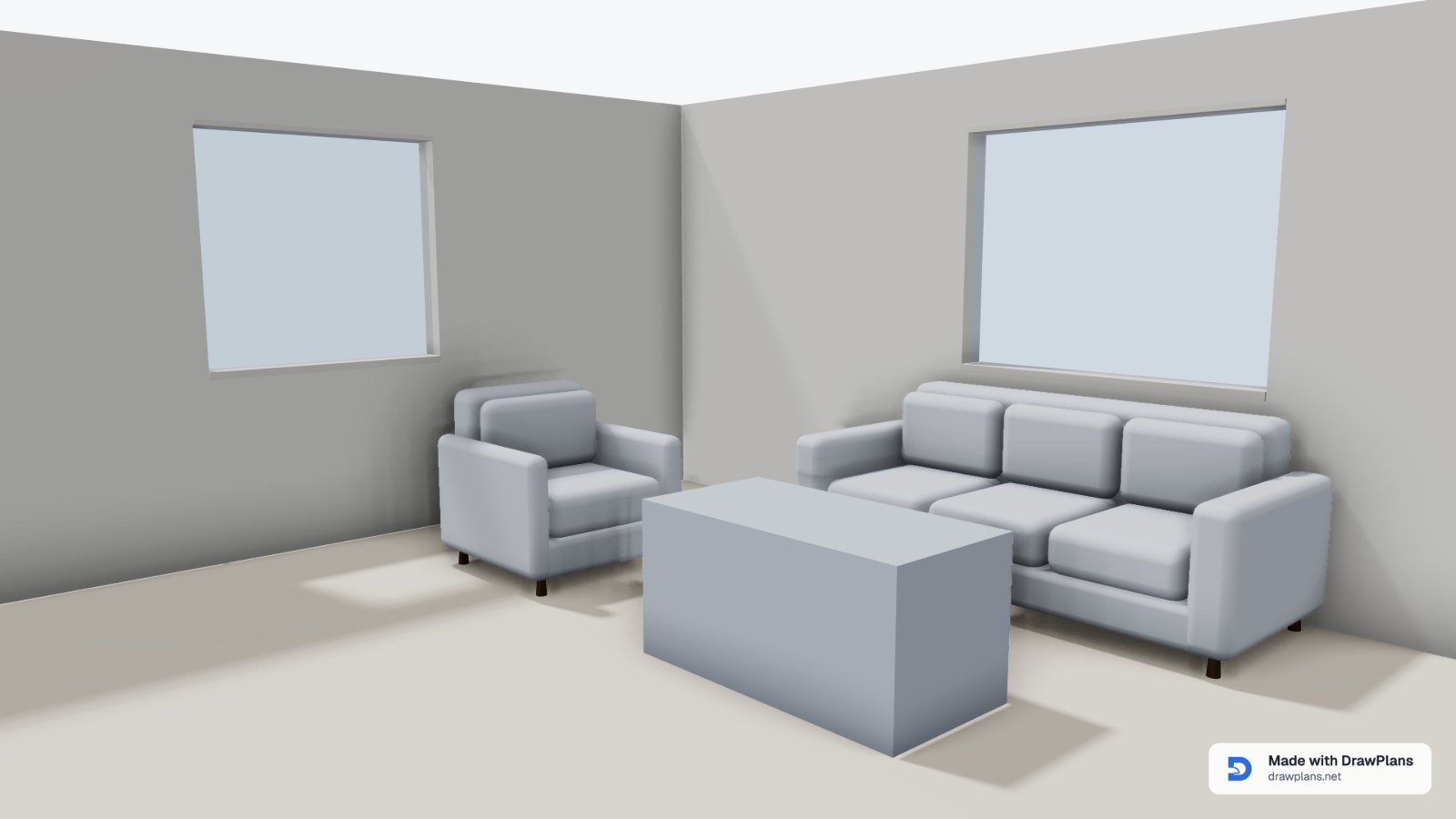
Floor plans to scale, ready to hand over
Draw it in your browser in minutes and see it in 3D as you go. Send a scaled PDF, a DXF for CAD or a 3D model.
Create an account and draw one plan in 2D and 3D before you pay.
One plan, the file each job needs
Real exports, all from one plan, the two-bedroom house template: the same drawing becomes a 3D picture, a sheet for sign-off, a listing plan or a colour plan.
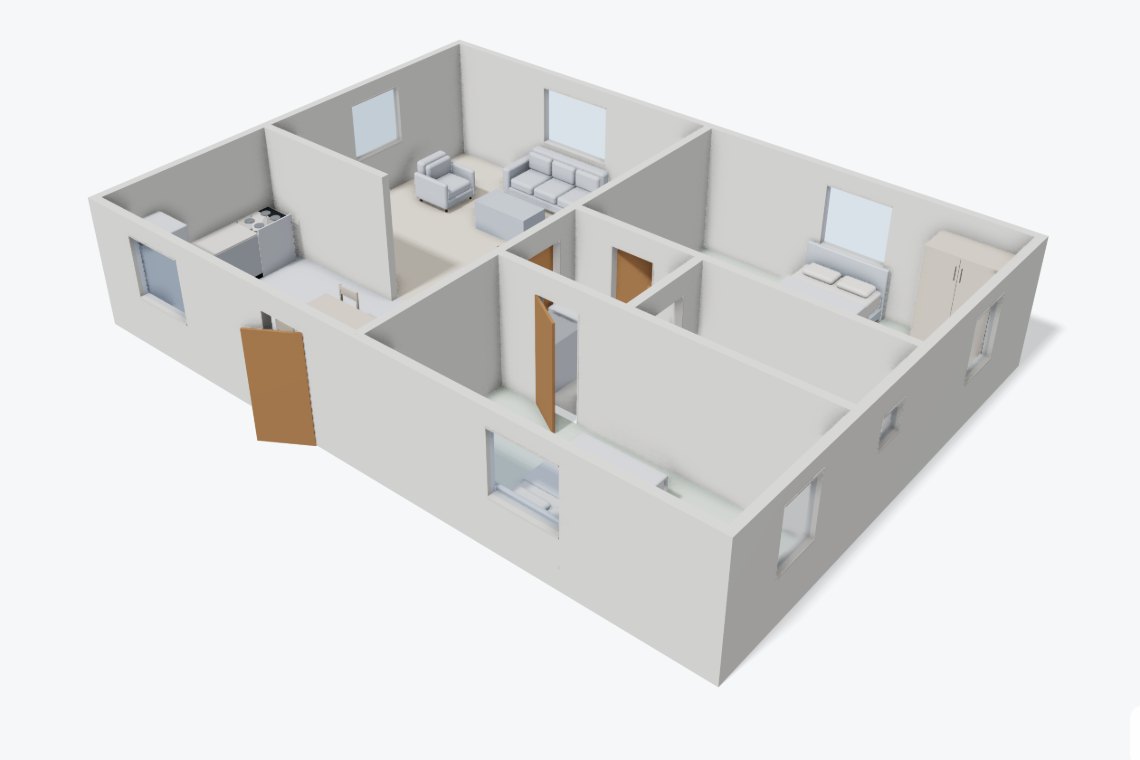
Homeowners
A 3D picture, HD or 4K, to show your builder what you mean.
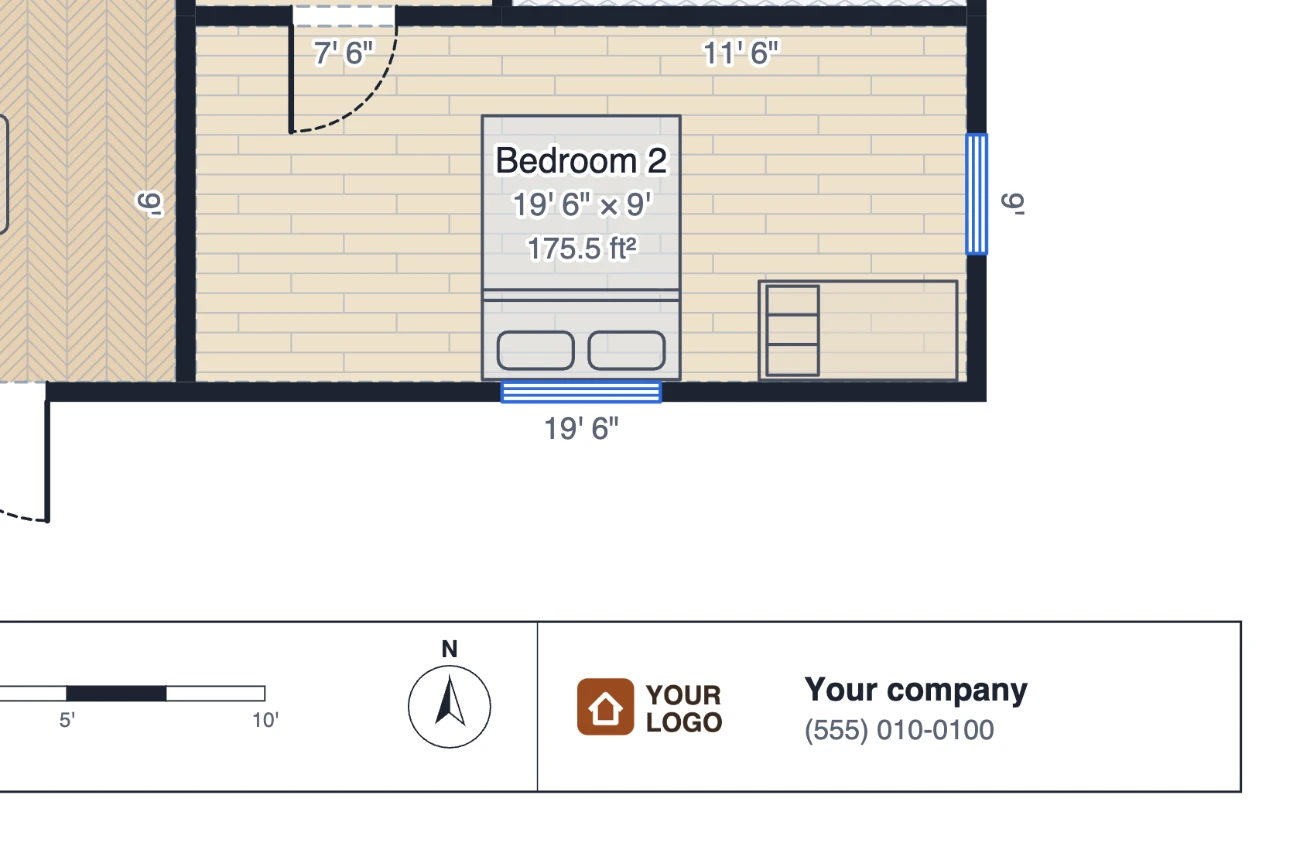
Contractors and builders
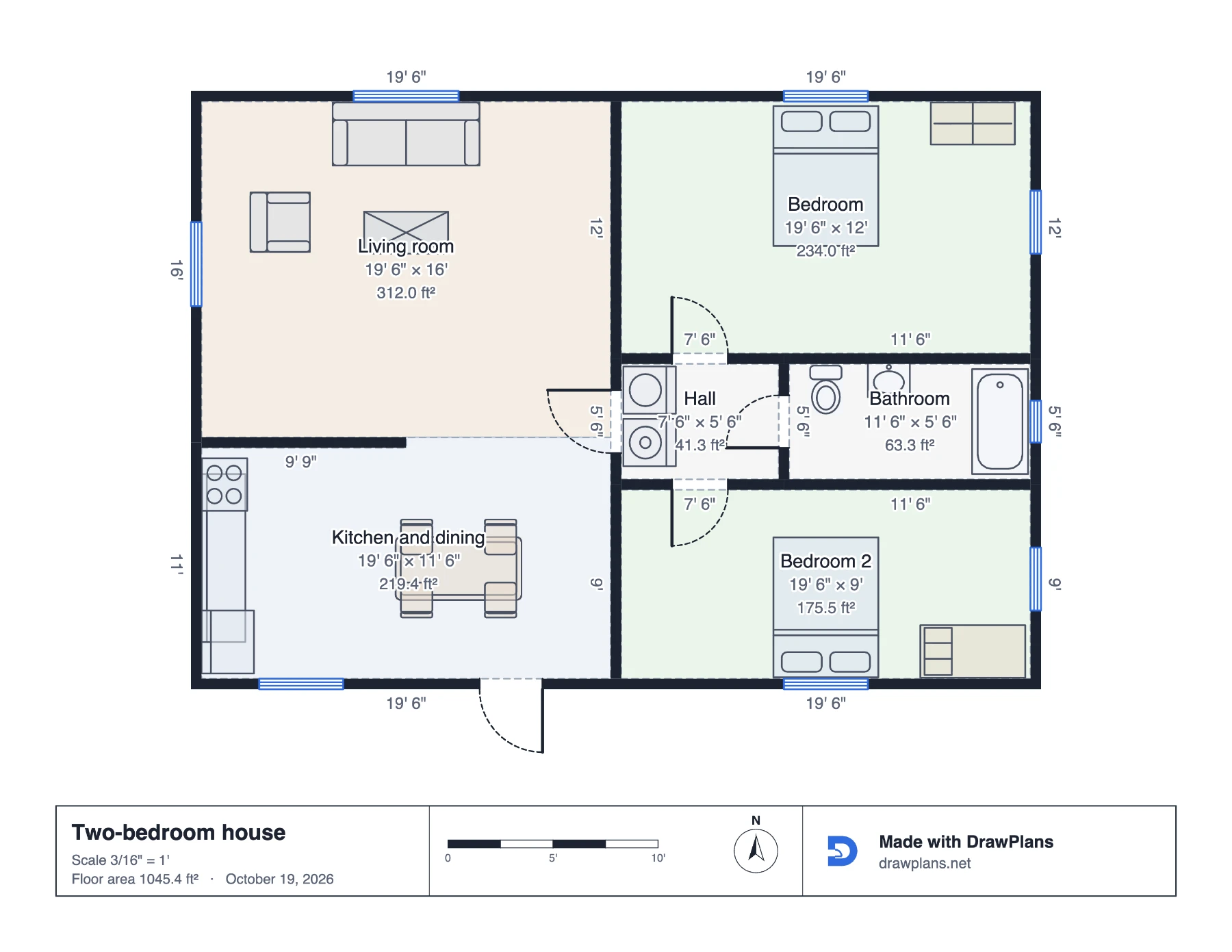
A PDF to scale for sign-off. Your own logo comes with a subscription or the pass.
Print it at 100% and check the scale bar with a ruler.
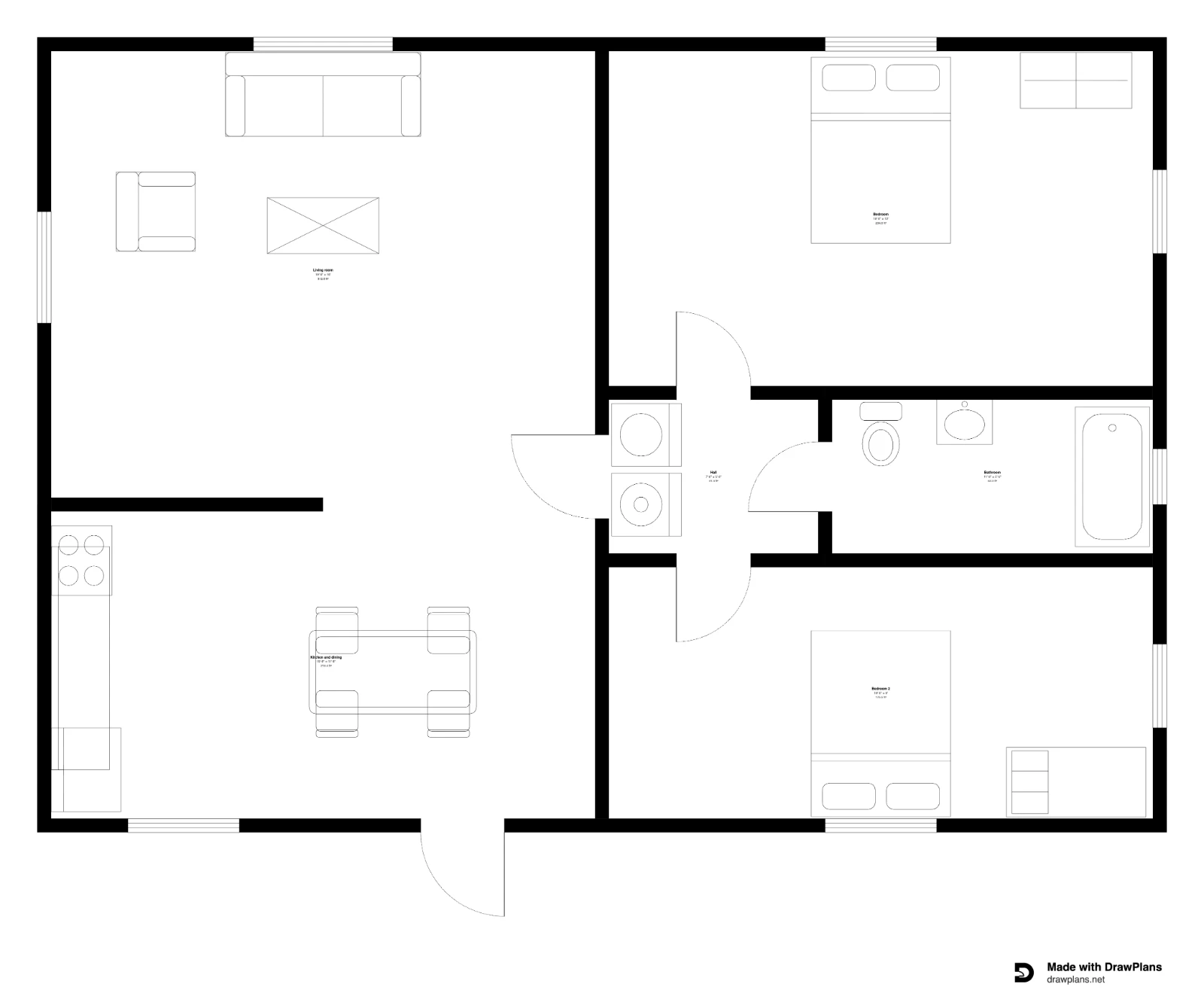
Real estate agents
A black and white plan with sizes and areas.
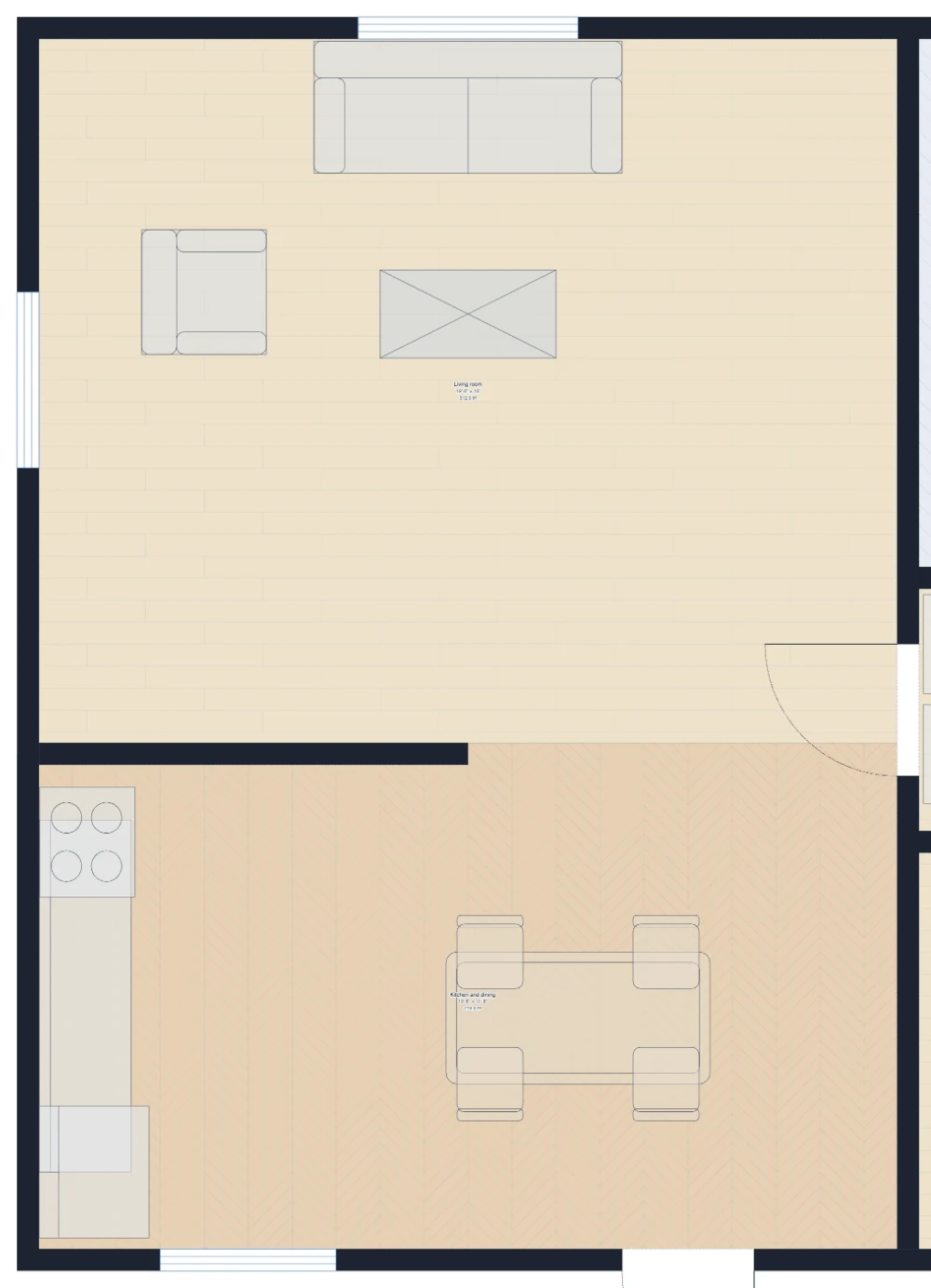
Interior designers
A colour plan with floor finishes and furniture.
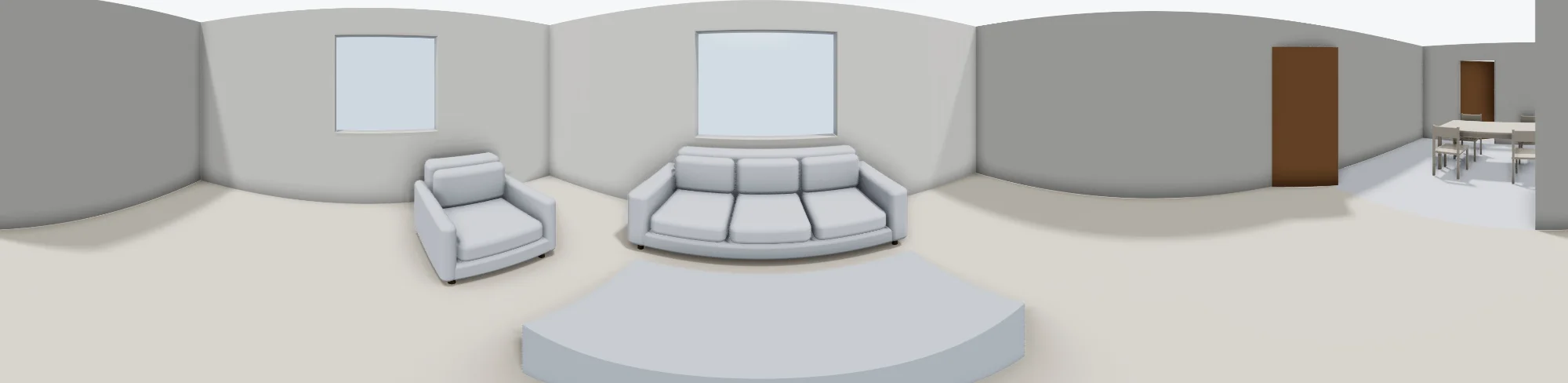
A 360° photo of the living room in the same house, shown flat.
Every format DrawPlans exports
| Format | What it's for |
|---|---|
| Print it or send it for sign-off: a true scale, a title block, a scale bar. | |
| DXF | For AutoCAD and other CAD programs, with walls, doors and furniture on their own layers. |
| PNG · SVG | A sharp picture for a message or a listing, or clean vector lines for Illustrator, Figma or Inkscape. |
| 3D pictures | HD or 4K pictures with soft shadows, and 360° photos, from the 3D view. |
| GLB · OBJ · STL | The plan as a 3D model (a file format for 3D programs), for Blender, SketchUp or a 3D printer. |
| CSV | Every item with its room and size, and any price you add, for Excel or Google Sheets. |
From a tape measure to a file, in minutes
Three steps, shown in the real editor.
- 1
Measure it
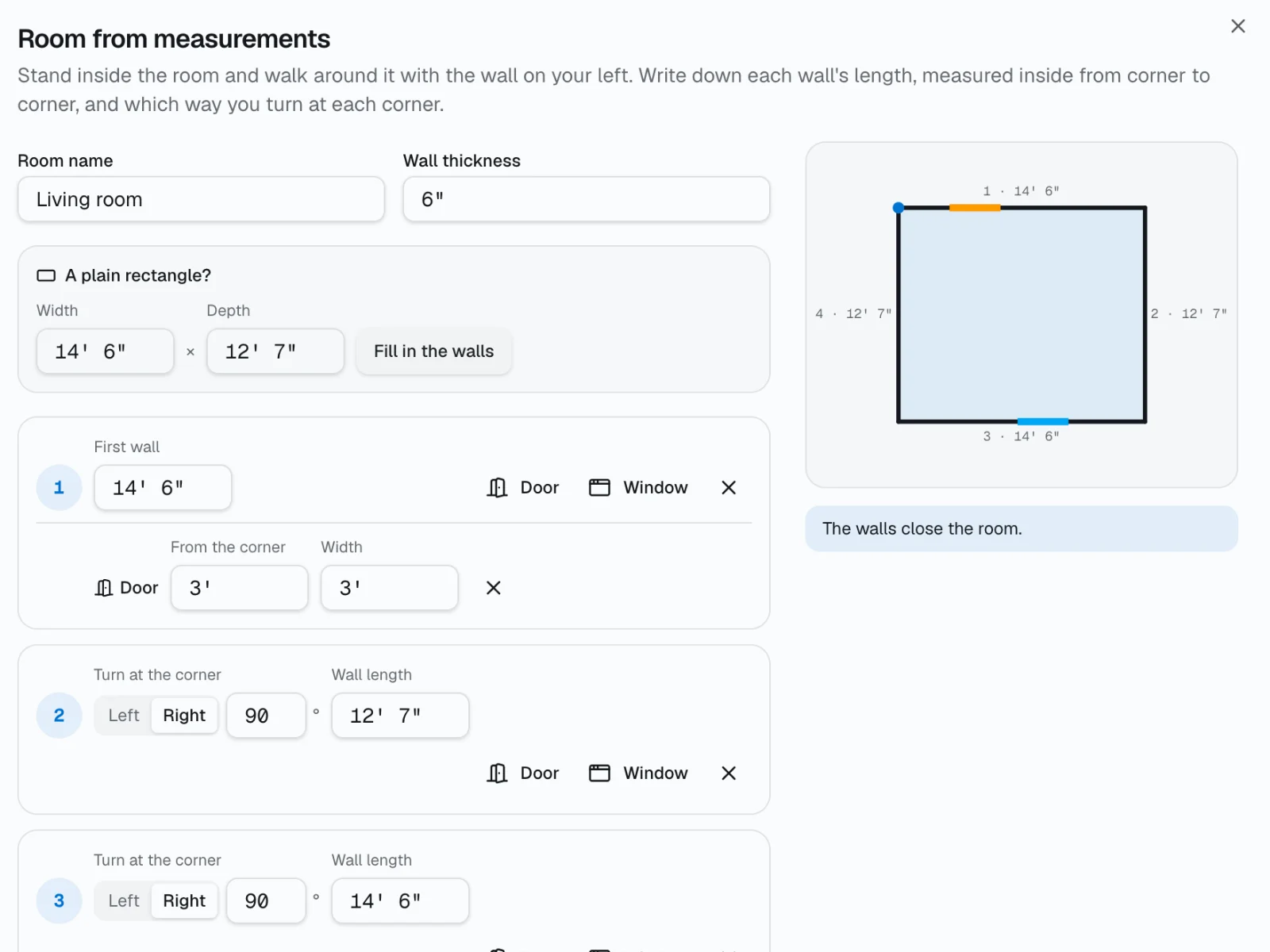
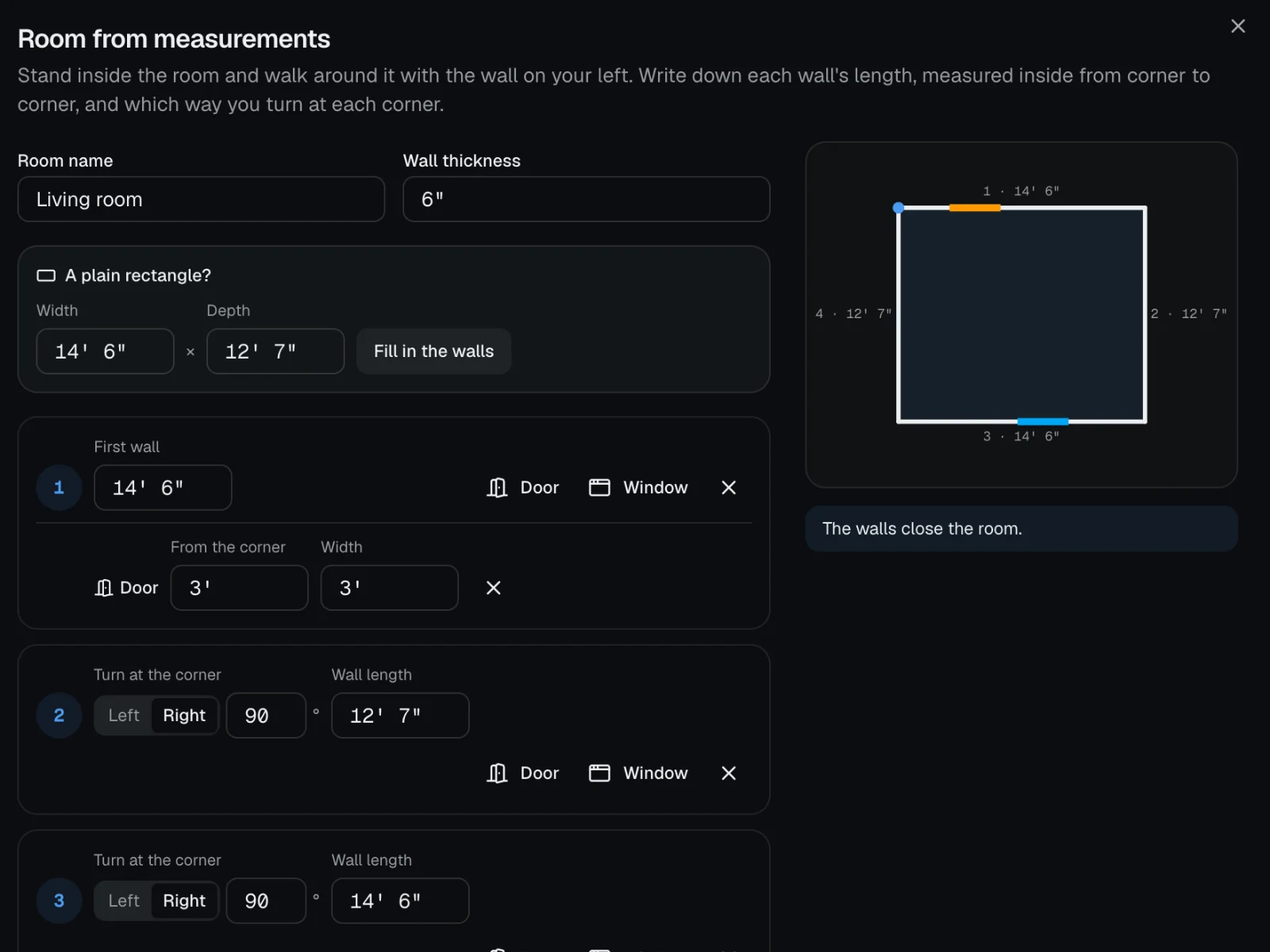
Walk the room with a tape measure and type each wall as you go, like 12′ 6″, in feet and inches or metres. The room is drawn to scale as you type, with its doors and windows.
- 2
Draw it
Click corner to corner, or trace over a photo or PDF of an old plan once you set one length you know. Rooms fill in with their size and area, and the 3D view keeps up as you go.
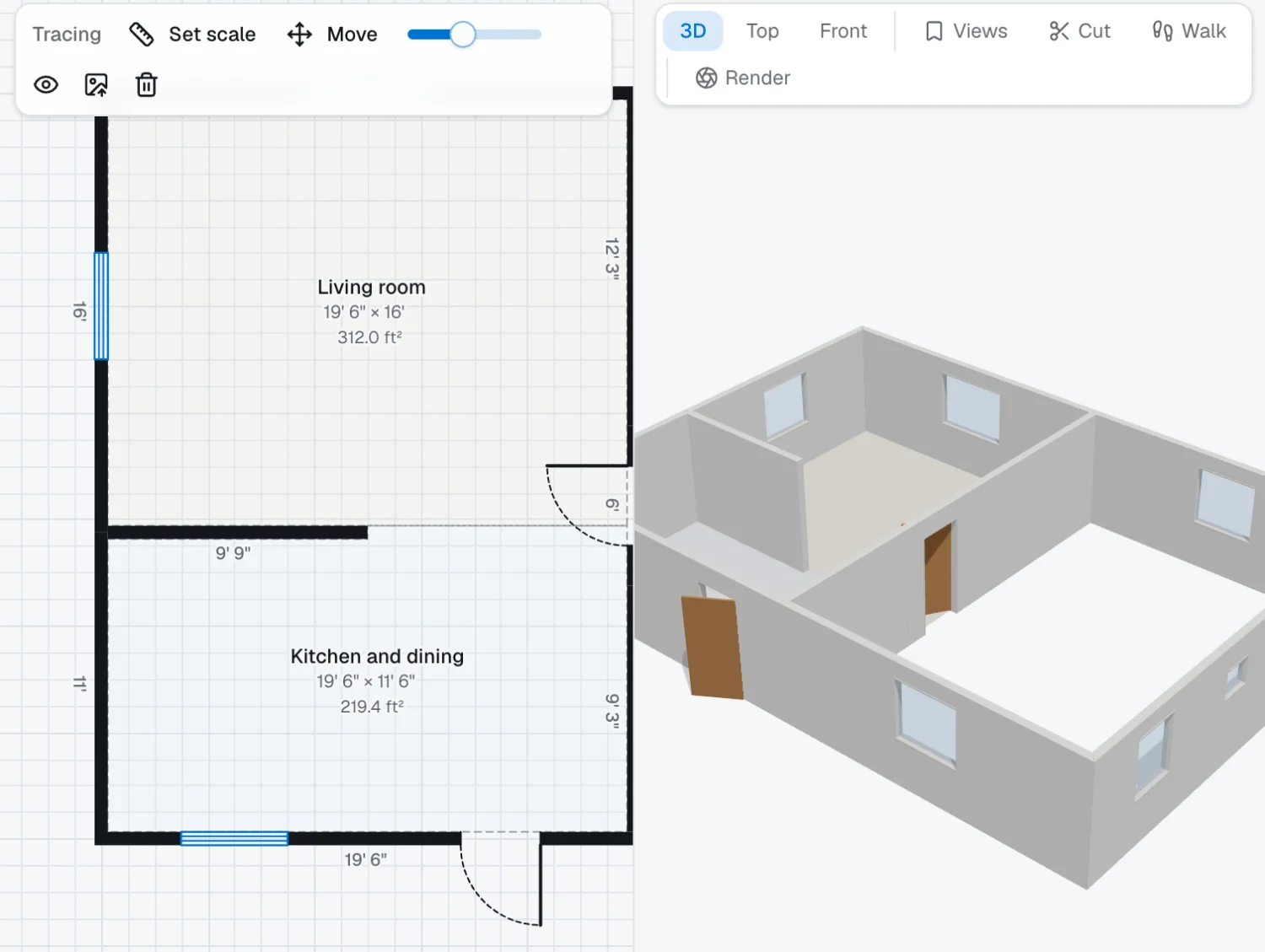
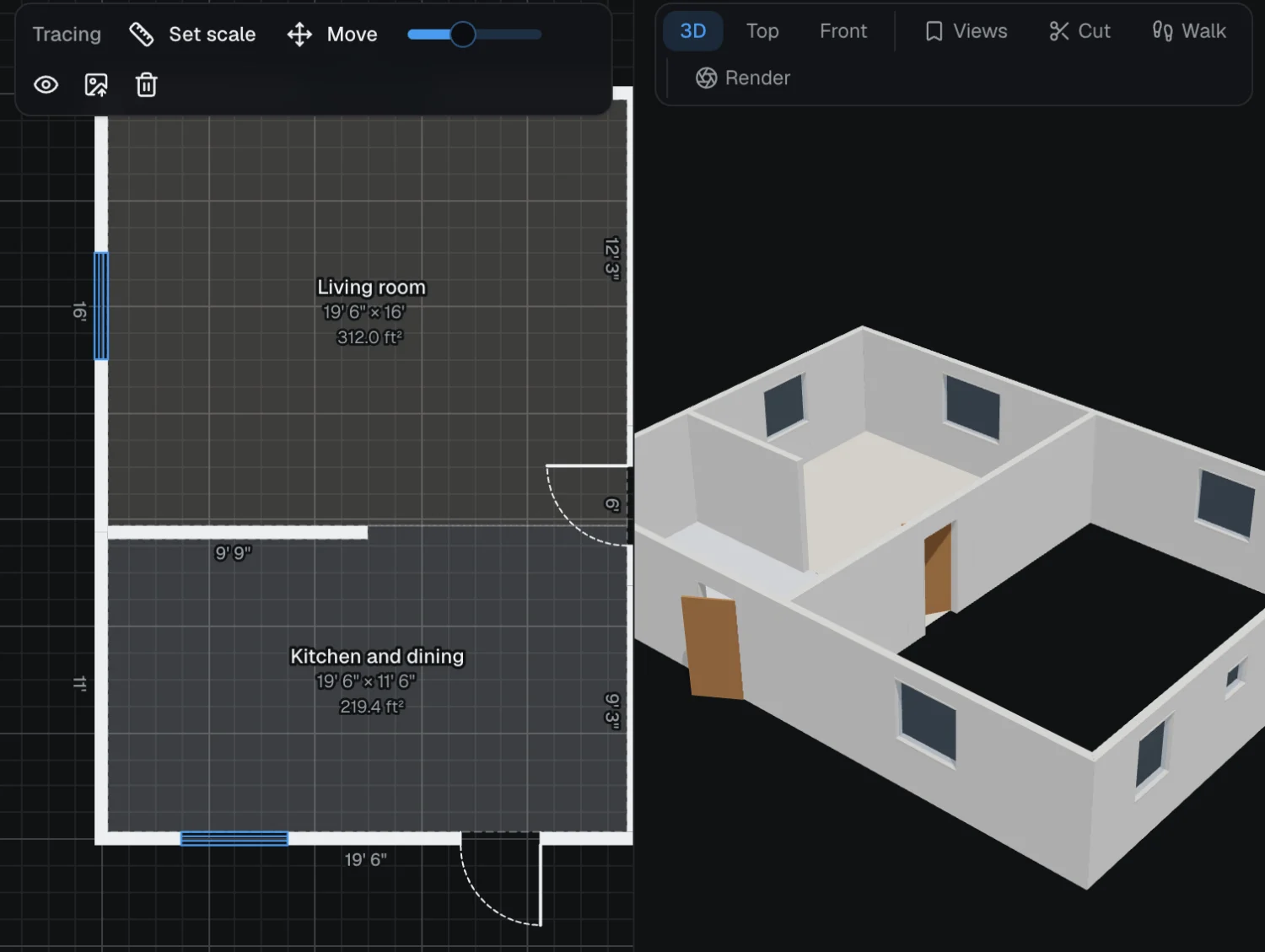
- 3
Hand it over
Download a PDF to scale, a DXF for CAD, pictures or a 3D model, or send a link that opens the plan in 2D and 3D.
Open a sample PDF: the two-bedroom house at 3/16″ = 1′, to print at actual size (opens in a new tab)Print it at 100% and check the scale bar with a ruler.


It runs in your browser on a computer, tablet or phone, with nothing to install. Every change saves to your account, with named versions to go back to.
Don't start from scratch
41 plans already drawn to scale. Open one and change anything.
Not only houses: a container home, a site plan with property lines, a trade show floor or an office evacuation plan.
Browse all templatesQuestions
Measure it, draw it, hand it over
A sheet to scale your client can sign, a plan for the listing, or a 3D view for the family. Draw your first plan and see it in 3D before you pay.